Connecting your Microsoft 365 account
Last updated: October 13, 2026
Everything else in Dreamteam waits on this one. Sign in with Microsoft and your mailbox and calendar start doing the data entry for you - contacts, companies and meetings, built out of mail you have already sent.
It takes about a minute, and you never have to do it again.
Stopped by a message about needing an administrator? Your organisation has not approved Dreamteam in Microsoft Entra yet. That is a one-off job for whoever runs your Microsoft 365 - send them the Approving Dreamteam in Microsoft Entra article - it takes them about three minutes, once, for everyone.
What gets connected
Outlook - your sales email.
Your Microsoft calendar - your meetings.
Microsoft Teams - connected in the same step. Once it is in place, the Dreamteam Recorder joins your Teams calls the same way it joins Google Meet and Zoom.
Microsoft signs you in through the session your browser already has, which is why you get an account picker rather than a password prompt. Whichever account you pick there is the mailbox Dreamteam connects.
Connecting
In the CRM, click your avatar in the bottom-left corner and choose Email & Calendar.
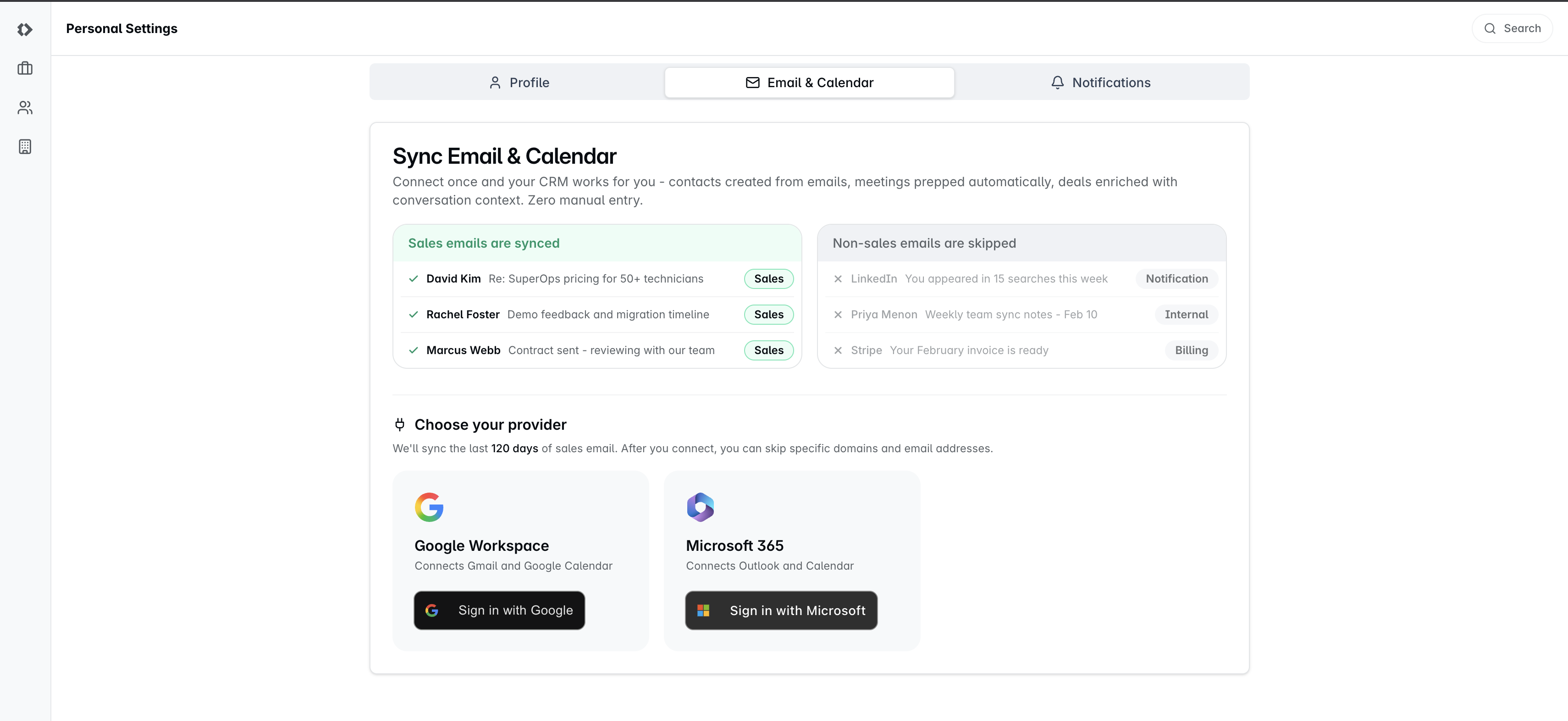
Under Choose your provider, click Sign in with Microsoft on the Microsoft 365 card.
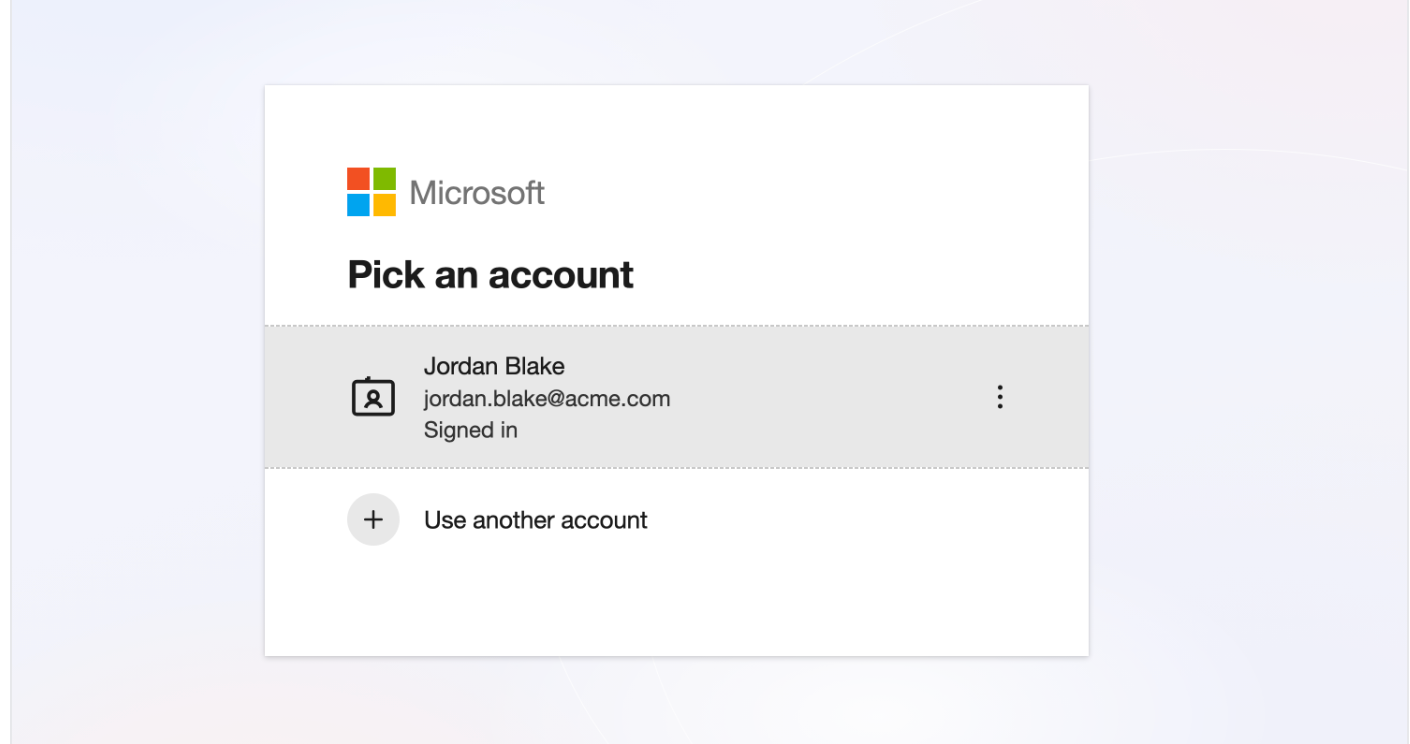
Microsoft asks you to Pick an account. Choose the one that matches your Dreamteam address, or Use another account to sign in as someone else.
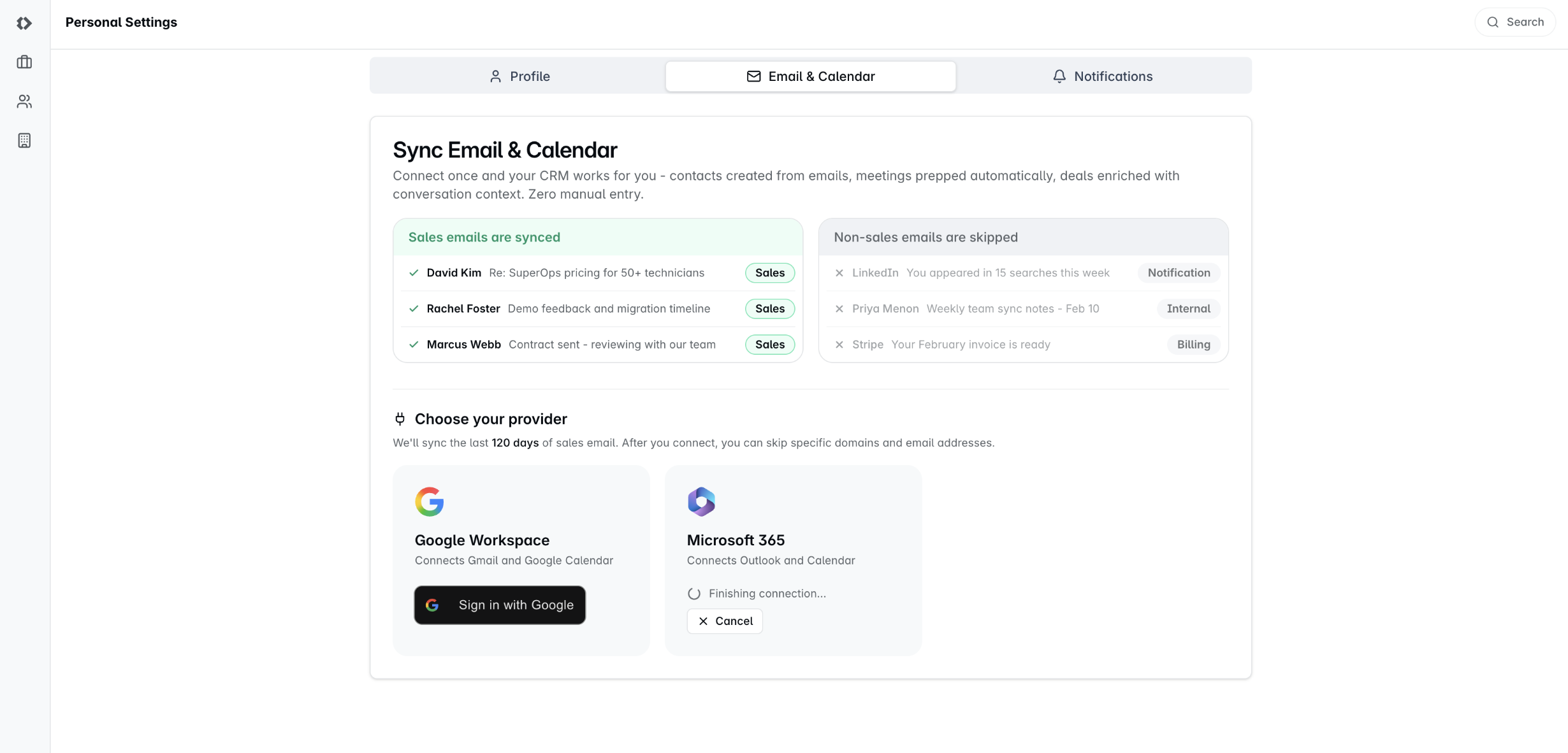
Back in Dreamteam the card reads Finishing connection for a moment, and then you are done.
Pick the account whose address matches your Dreamteam profile. If your browser is already signed into a different Microsoft account, that is the one the picker offers first - use Use another account rather than accepting it.
Once you are connected
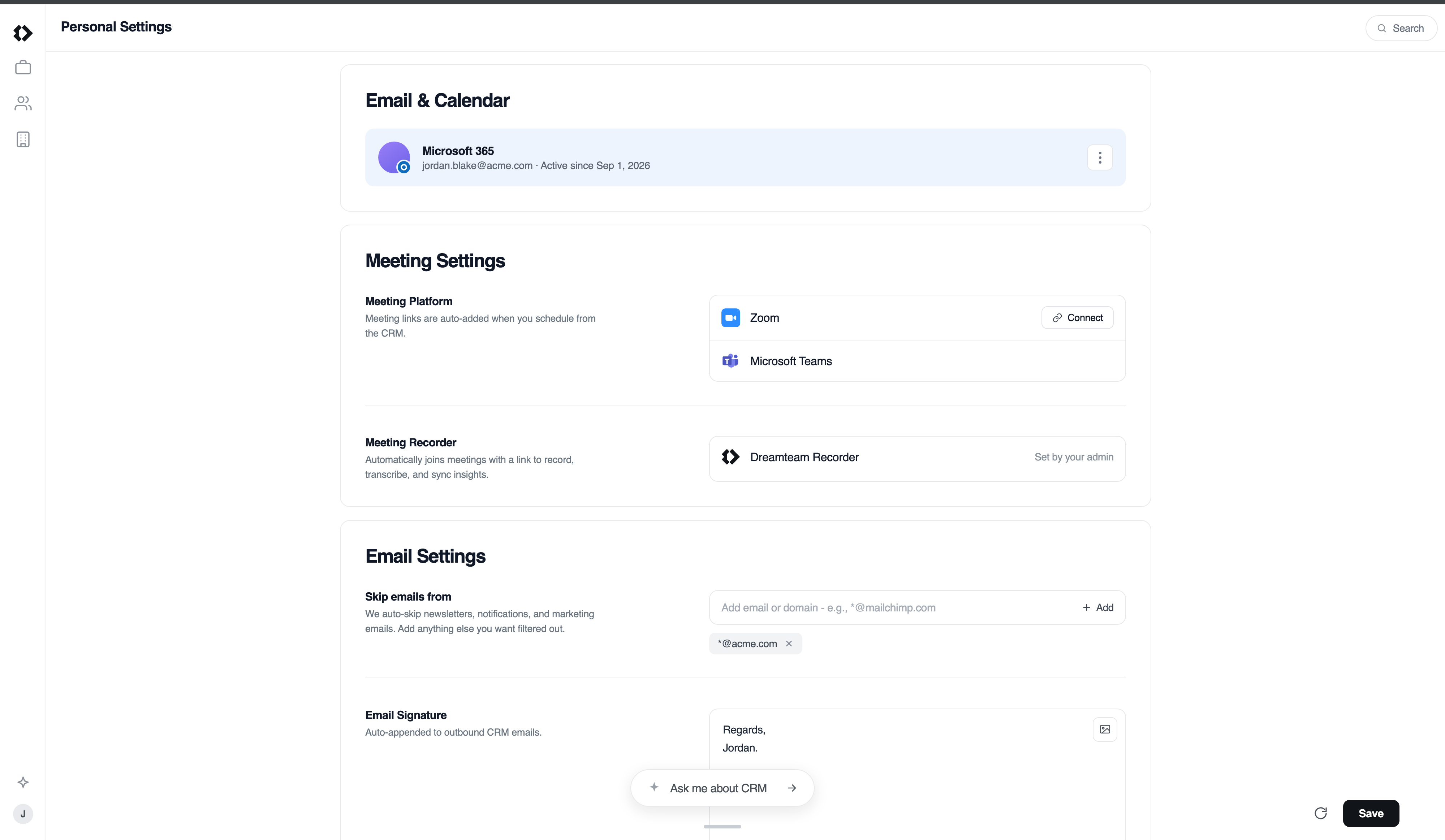
The card settles into your address and Active since, and Microsoft Teams appears under Meeting Settings without you doing anything else.
Dreamteam starts pulling your recent sales email straight away. There is nothing further to press, and you will get an email once the first sync has finished - so close the tab and carry on.
FAQs
Does my whole mailbox go into the CRM?
No. Dreamteam syncs sales email and skips the rest. Once you are connected you can narrow it further yourself, under Skip emails from on the same page.
Do I need to connect Teams or the Recorder separately?
No. Teams comes with the Microsoft 365 connection. It appears under Meeting Settings once you are connected, and the Dreamteam Recorder joins your Teams calls the same way it joins Meet and Zoom.
Can I control how far back it reaches?
No - your admin sets the import period for the whole workspace, and the connect screen tells you what it is. Admins can change it in Email preferences.
What happens if I disconnect?
New email and calendar activity stops syncing. What is already in the CRM stays. Reconnecting picks up from where it stopped.
Which Microsoft account should I sign in with?
The one whose address matches your Dreamteam profile, with Outlook email and calendar on it. If the two do not match, Dreamteam says so rather than connecting the wrong mailbox - sign out of Microsoft and connect the matching account.
Nothing happened when I clicked connect.
Your browser is holding back the sign-in window. Allow popups for Dreamteam and it opens.
It asked me to try again.
Microsoft took too long to hand the mailbox over. Nothing was connected, so simply connect again in a moment.
I get a message saying Dreamteam needs admin approval.
Your organisation requires an administrator to approve new applications, and nobody has approved Dreamteam yet. It is not a problem with your account, and it is not something you can clear yourself.
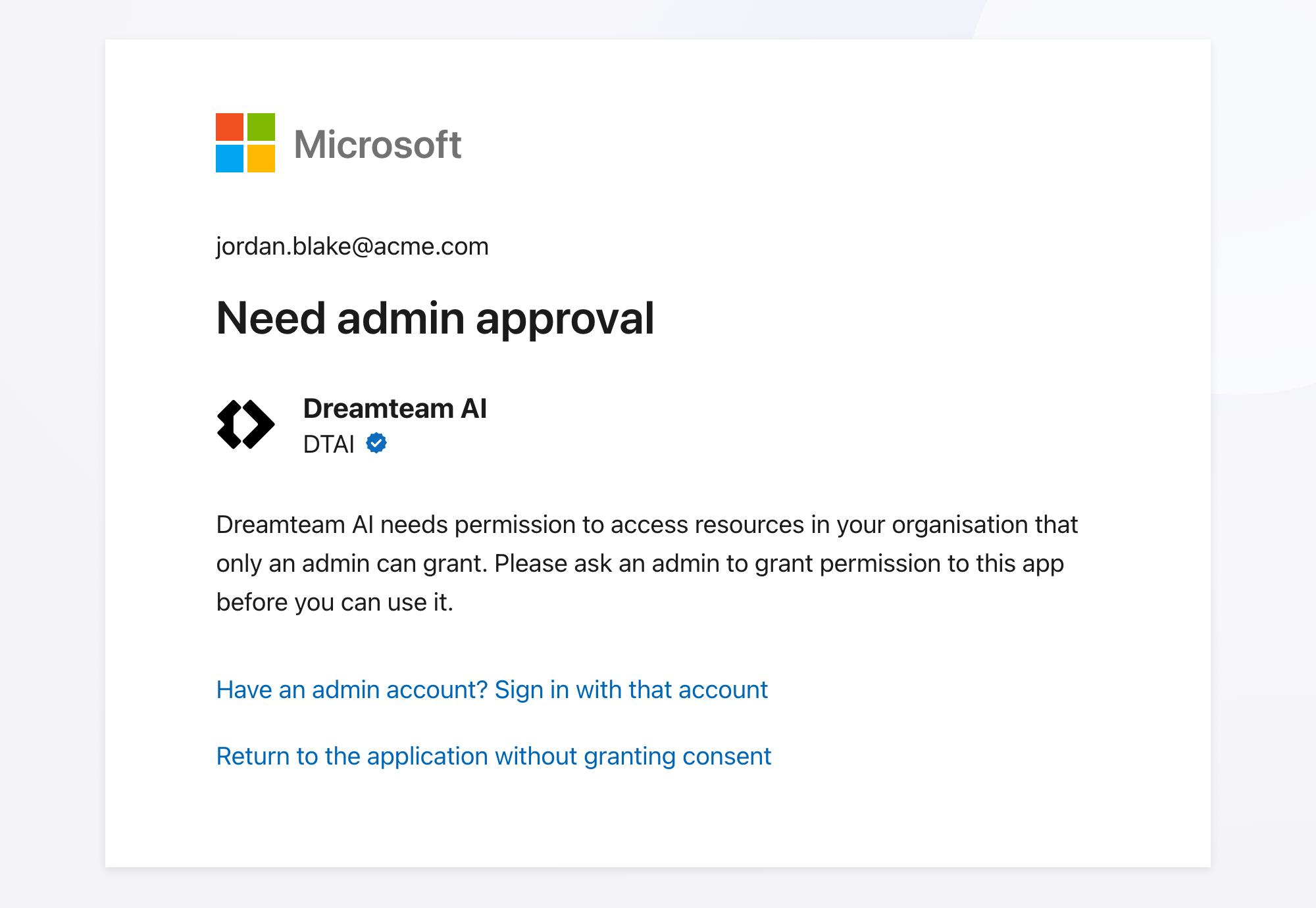
Selecting Return to the application without granting consent simply closes the page - nothing is broken and nothing is half-connected.
Send whoever runs your Microsoft 365 the Approving Dreamteam in Microsoft Entra article. It takes them about three minutes, once, for everyone - after that you can connect as normal and will not see this screen again.
Do I need to approve the calendar separately?
No - calendar access is part of the same Microsoft sign-in. If Dreamteam ever shows a Calendar permission missing note, one click on Grant permission tops it up.
I use Gmail, not Outlook.
See the Connecting your Google Workspace account article instead.
If you need help or assistance, reach out to us at gethelp@dreamteam.co.