Configuring Knowledge Hub
Last updated: September 16, 2026
The Knowledge Hub is where you set up the core business context about your company, what you sell, and how you sell. Everything configured here is passed as context to Dreamteam's AI - so when it generates deal summaries, drafts email responses, and computes ICP fit; it understands your business. The more complete your Knowledge Hub, the more relevant and accurate AI-generated content will be across the platform.
Why is this important?
In a traditional CRM, the system just stores and shows your data. In an AI-native CRM like Dreamteam, the AI is constantly generating content - deal summaries, recommendations, qualification assessments, risk flags. For these to be useful, the AI needs to understand your business, not just give generic advice.
Without context, the AI doesn't know the difference between your $500/month SMB product and your $50K enterprise platform. It can't tell if a prospect matches your ICP. It doesn't know whether "no budget confirmed" is a red flag at your current deal stage because it doesn't know your qualification framework.
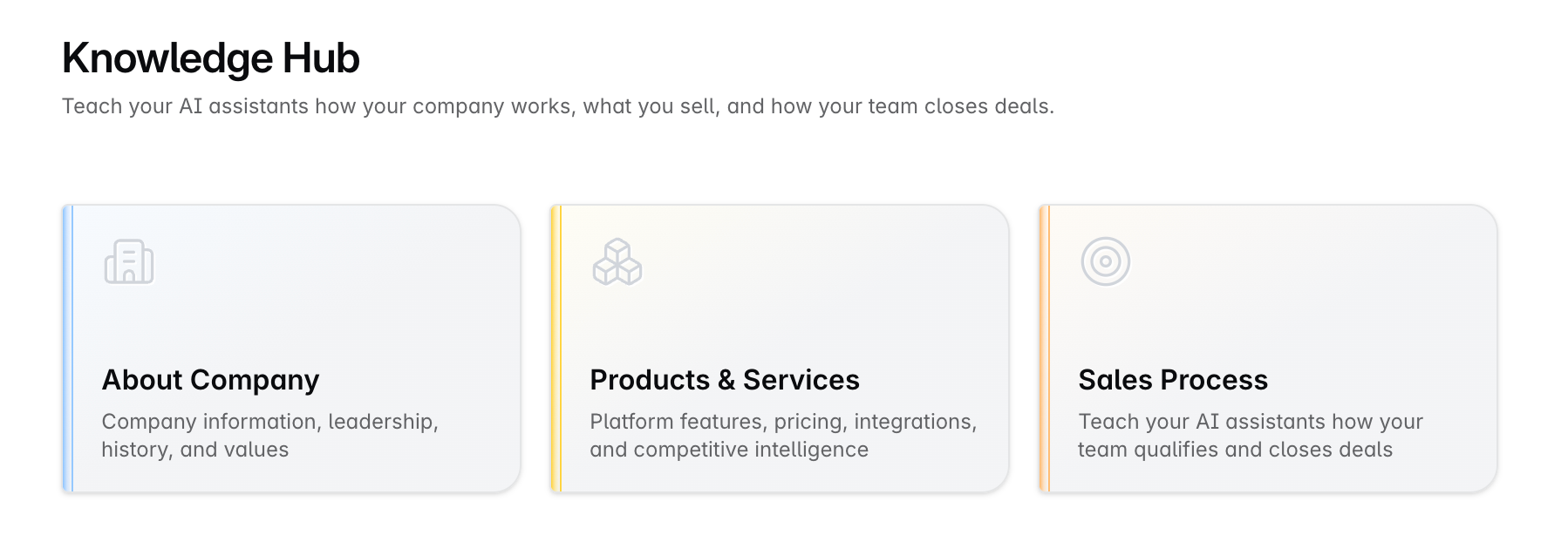
Dreamteam's Knowledge Hub has three sections to capture this context:
About Company
Products & Services
Sales Process
About Company gives the AI identity - who you are, what space you operate in. This shapes tone, positioning, and relevance of every AI-generated output.
Products & services tells the AI what you're actually selling, to whom, and how you position it. Without this, the AI has no way to tailor its output specific to your business. With it, the AI can flag "this prospect doesn't match the ICP for this product" or tailor a follow-up around the right value proposition.
Sales process tells the AI how your team qualifies deals. If you follow MEDDPICC, the AI knows to check whether the economic buyer has been identified, whether the paper process is clear, etc. Without this, deal health assessments are guesswork.
About Company
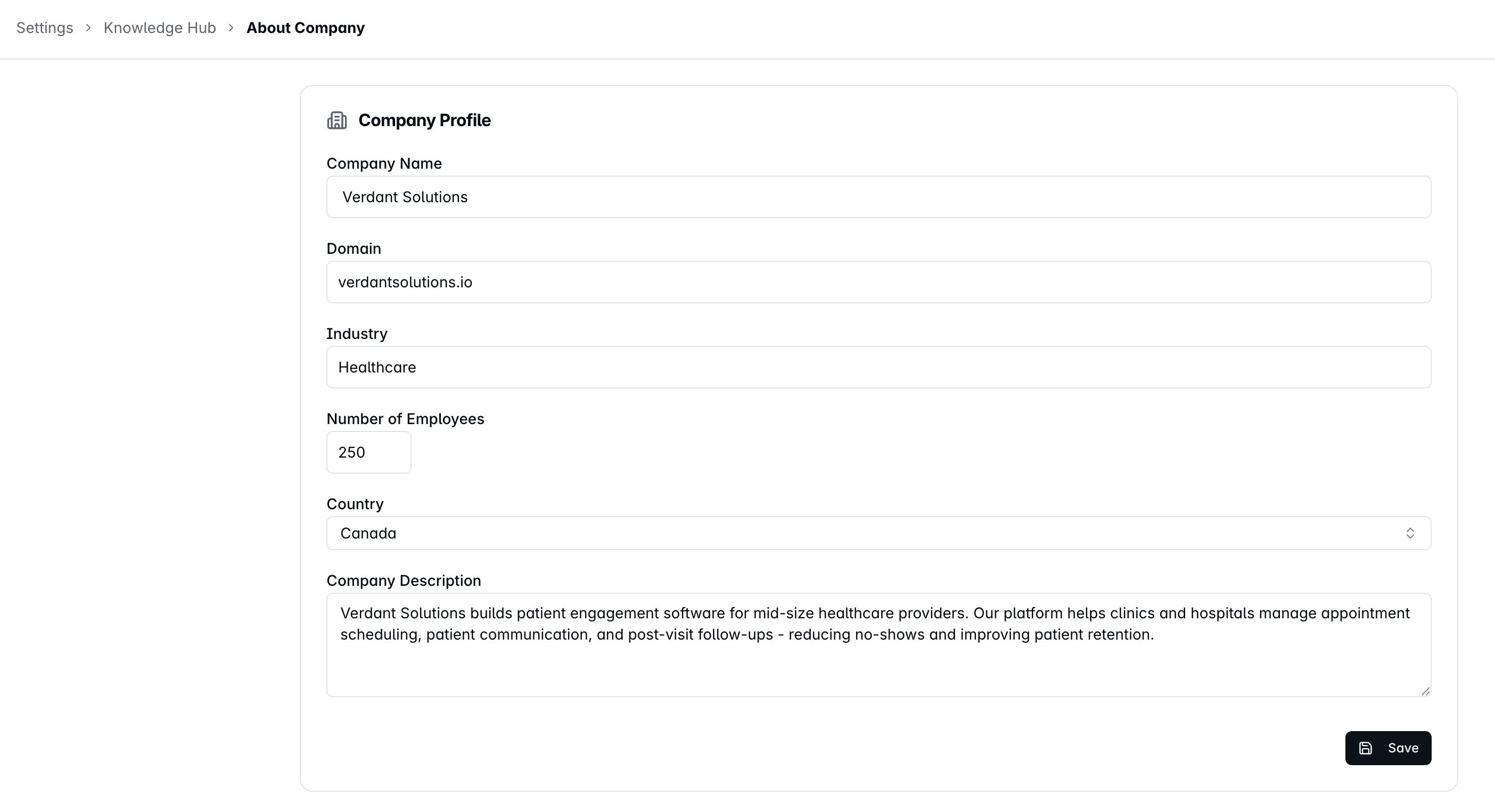
Add basic information about your company - such as company name, industry, size, and a brief description.
To configure:
Navigate to Settings > Knowledge Hub > About Company
Fill in the fields
Save
Products & Services
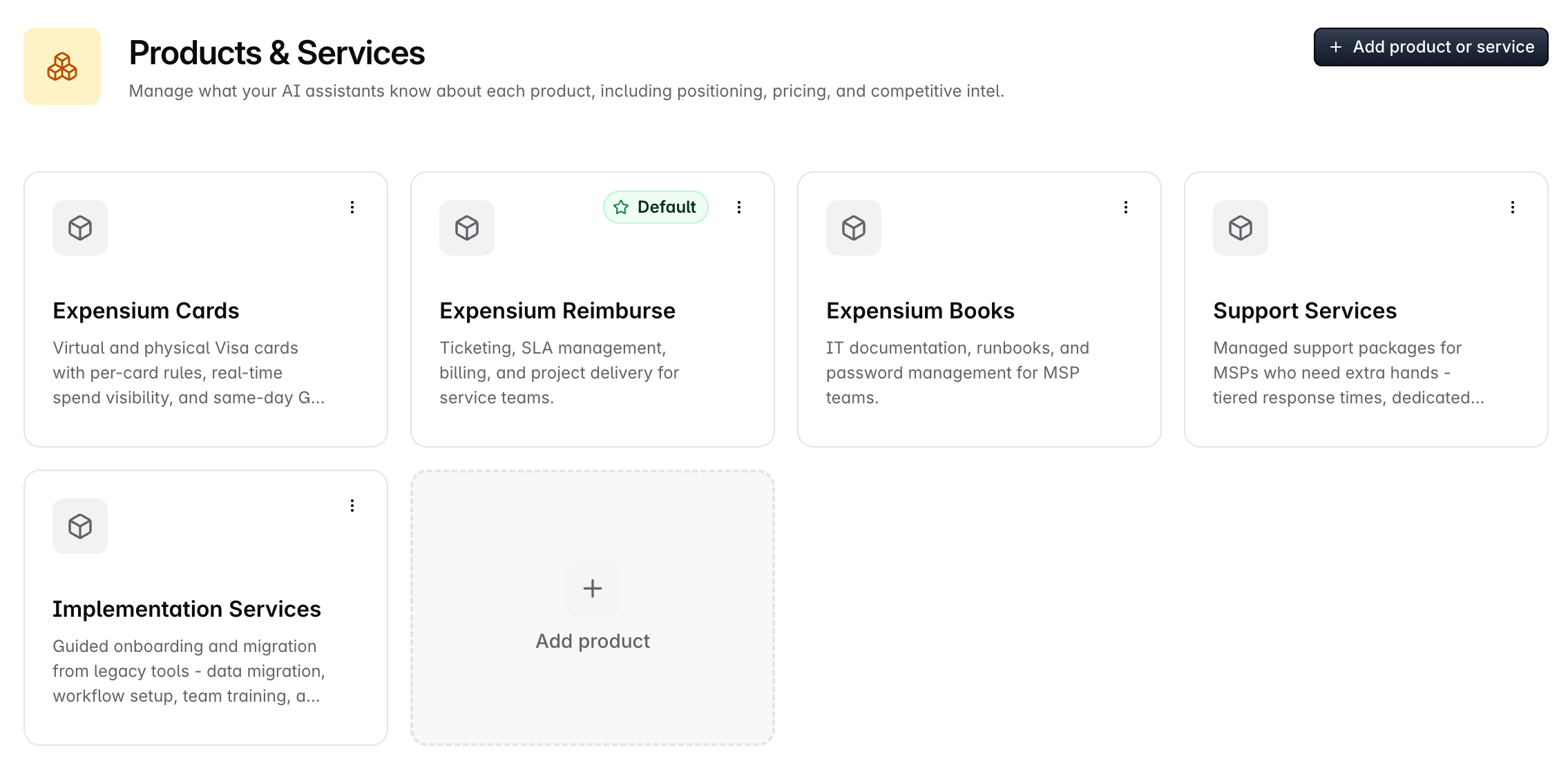
This is where you define the products and services your company sells. You'll add details like what the product is, who it's for, and how you position it to customers.
You can add multiple products - and a single company can be sold more than one product.
Navigate to Settings > Knowledge Hub > Products & Services
Click Add Product to create a new entry
Fill in the fields and save
To update an existing product, click on it to edit
Writing products the AI can use
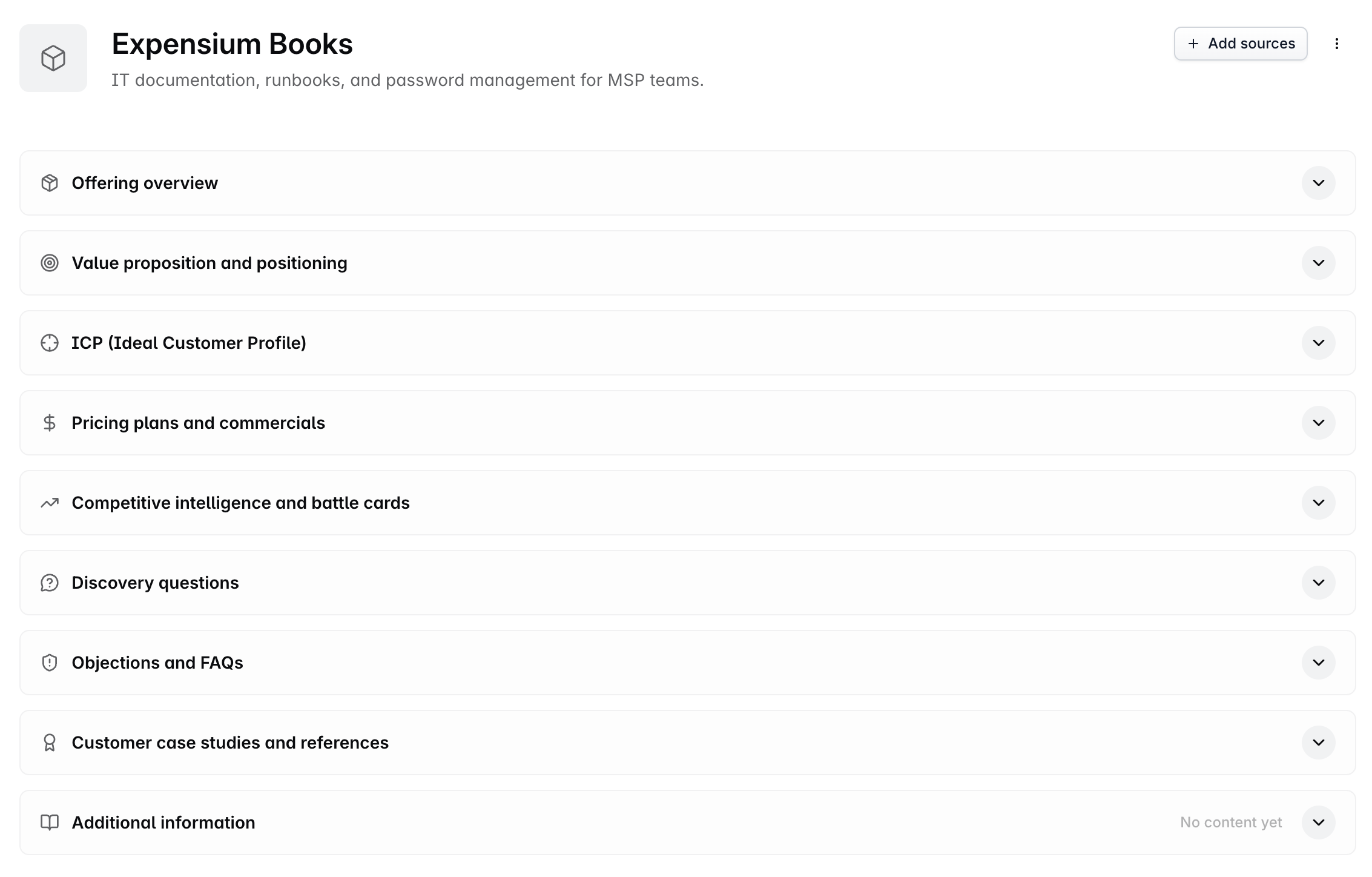
Everything in a product record is read by the AI every time it scores an account or drafts a summary, so it is worth a few minutes of care:
Write the ICP like you are briefing a new rep. "Mid-market MSPs in North America running their own helpdesk" scores far better than "SMB".
Map products at the company, not just the deal. Company mapping is what drives ICP fit, and deals inherit from it anyway.
Revisit after a positioning change. A stale value proposition quietly ages everything downstream of it.
Once products exist here, your team maps them onto companies and deals - see the Putting your products to work article for how they are used day to day.
Sales Process
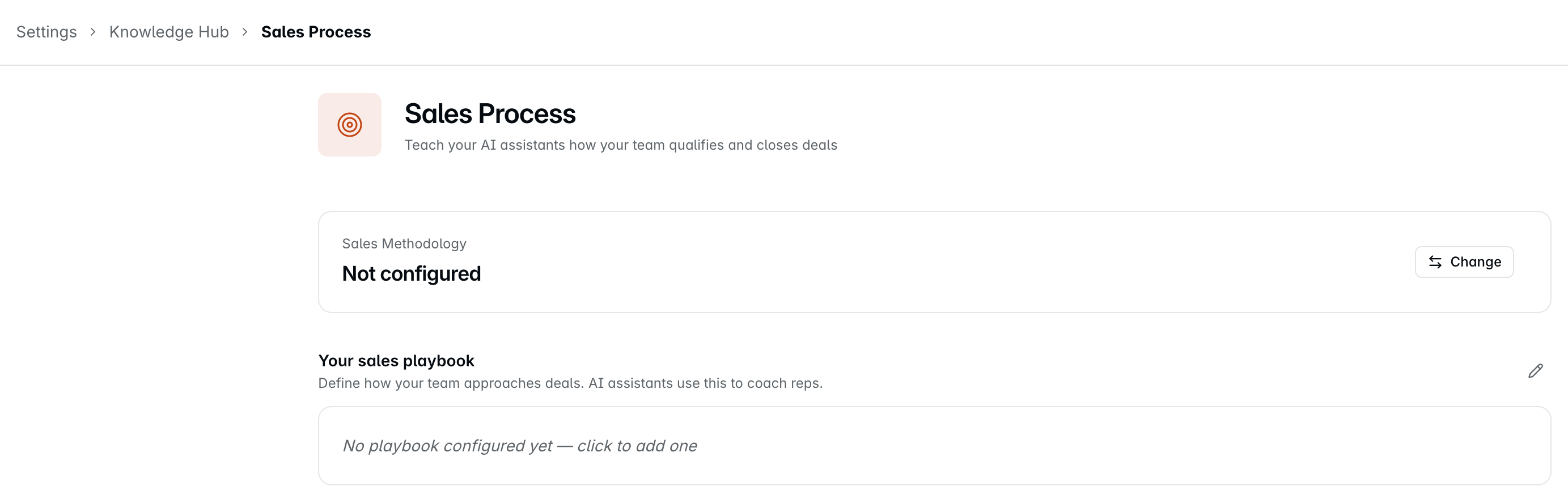
The Sales Process defines the qualification framework your sales team follows. It helps reps ask the right questions during deal progression and gives leaders visibility into deal health.
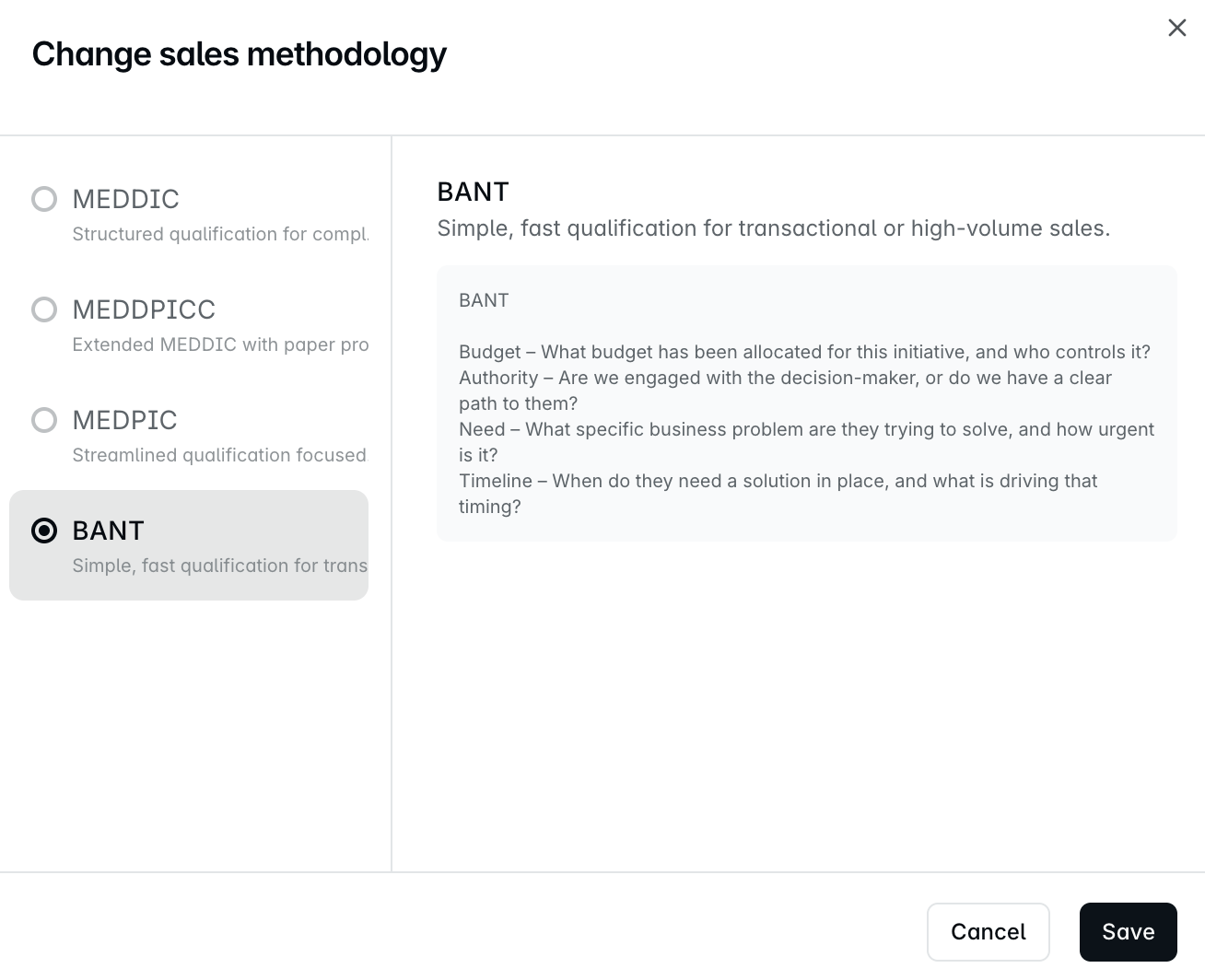
Dreamteam offers four standard framework templates - MEDDIC, MEDDPICC, MEDPIC and BANT. Pick the one that best fits how your team sells, and customize it to match your process.
Navigate to Settings > Knowledge Hub > Sales Process
Under Sales Methodology, click Change, pick a framework and click Save
Click the playbook text, or the pencil icon, to customize Your sales playbook to match your team's process, then save your changes
Changing the framework replaces your playbook. Saving a different framework overwrites the whole playbook with that framework's template, and nothing you wrote is kept. The dialog warns you first, so copy out anything you want to keep before you switch.
Understanding Sales Qualification Frameworks
What is BANT?
BANT stands for Budget, Authority, Need, and Timeline. It's the simplest qualification framework. It checks whether the prospect has budget, whether you're talking to someone who can make the buying decision, whether they have a clear need, and whether they have a timeline.
What is MEDDIC?
MEDDIC stands for Metrics, Economic Buyer, Decision Criteria, Decision Process, Identify Pain, and Champion. It helps reps uncover key information about a deal - what success metrics matter to the buyer, who signs off, how they'll evaluate options, and whether you have an internal champion.
What is MEDDPICC?
MEDDPICC is an extended version of MEDDIC. It adds Paper Process (procurement and legal readiness) and Competition (who else is being evaluated).
What is MEDPIC?
MEDPIC is a streamlined version of MEDDPICC. It keeps Metrics, Economic Buyer, Decision Criteria, Paper Process, Identify Pain and Champion, and leaves out Decision Process and Competition.
Can I use more than one framework?
These frameworks overlap significantly. You typically adopt one that best fits your sales motion rather than combining multiple. Knowledge Hub holds one framework at a time, and switching to another replaces your playbook with its template.
If you need help, reach out to us at gethelp@dreamteam.co.